

Cover styles
A cover style is an art-direction template — a layout, a typographic idiom, and rules for imagery — that the press fills with one book’s title, author, palette, and subject. The house library spans the history of the form, from the 1935 Penguin grid to contemporary collage. Every cover below is a different book — its own title, author, palette, and subject — so the catalogue shows the range each style covers, not one book drawn ten ways. Your config names the style; the same engine draws them all.

penguin-tri-band
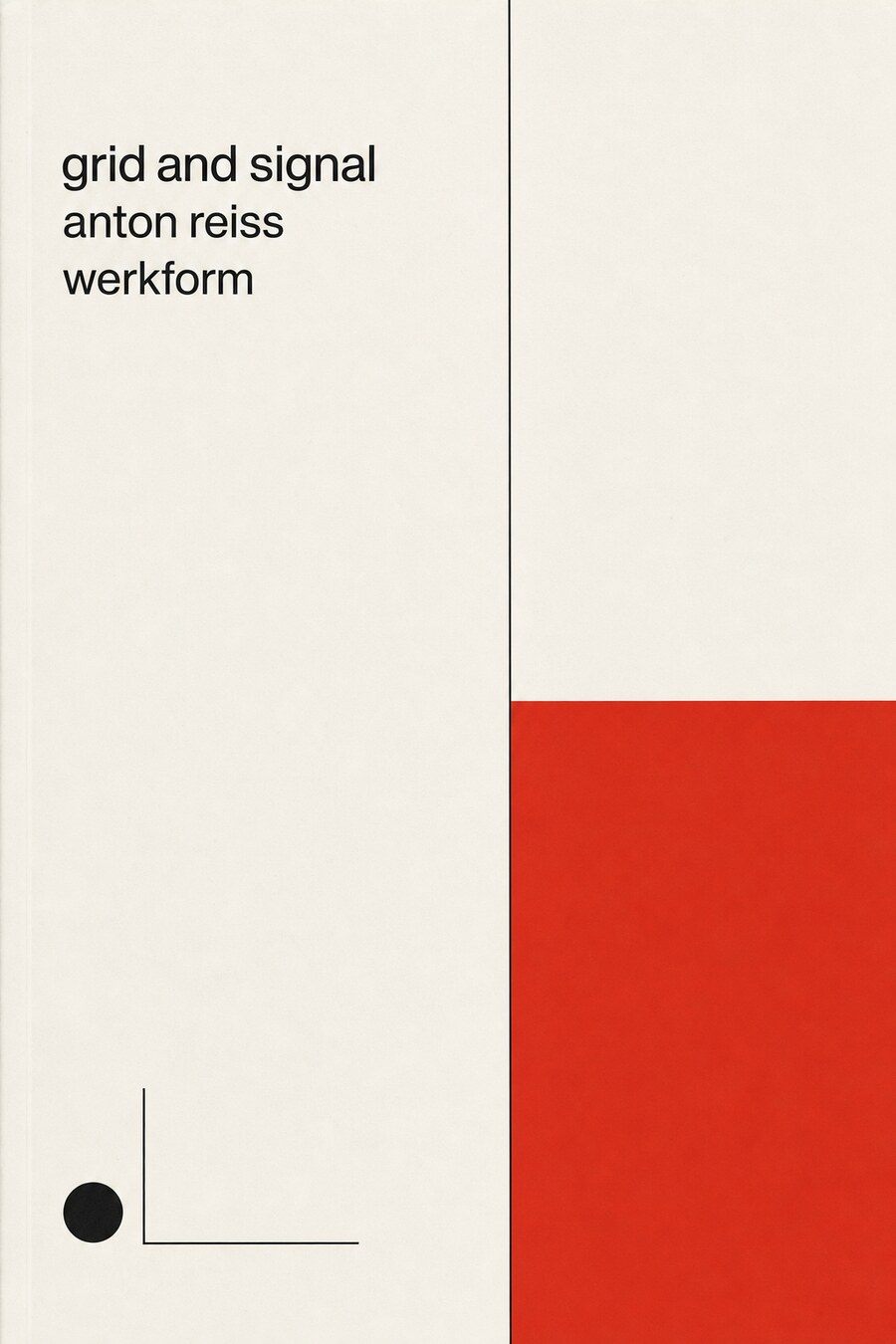
swiss-international
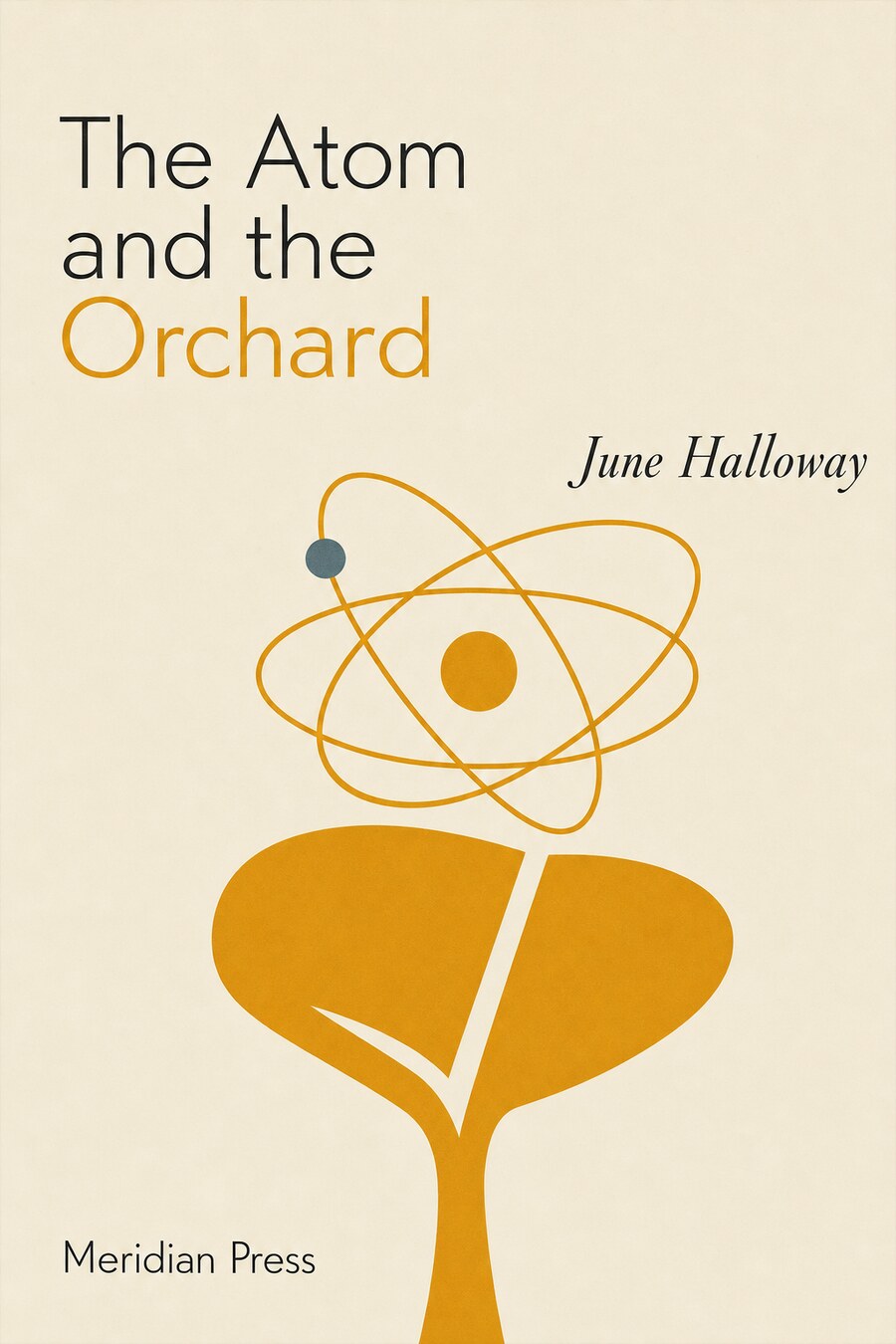
midcentury-modern
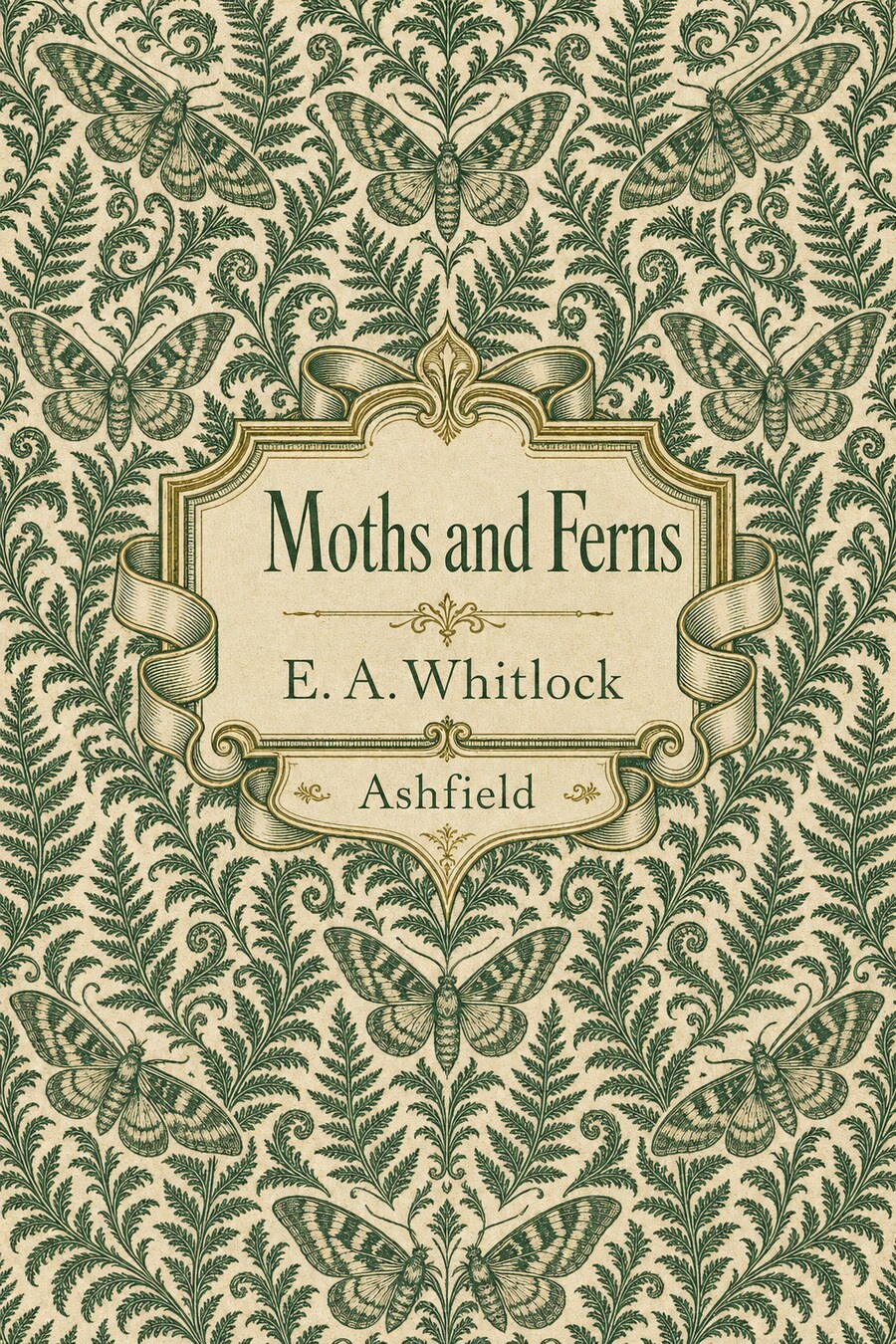
victorian-clothbound

pulp-paperback
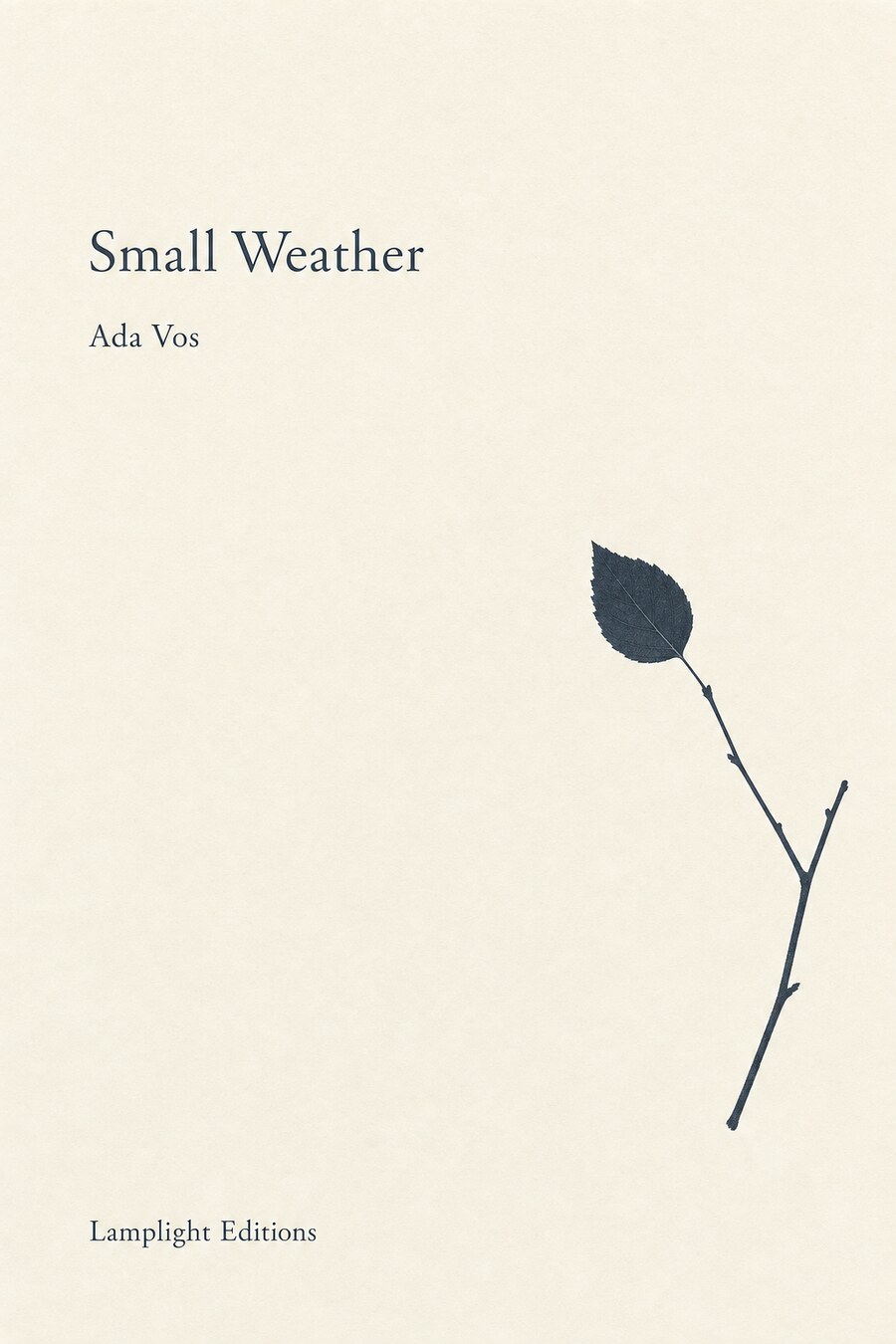
minimalist-literary
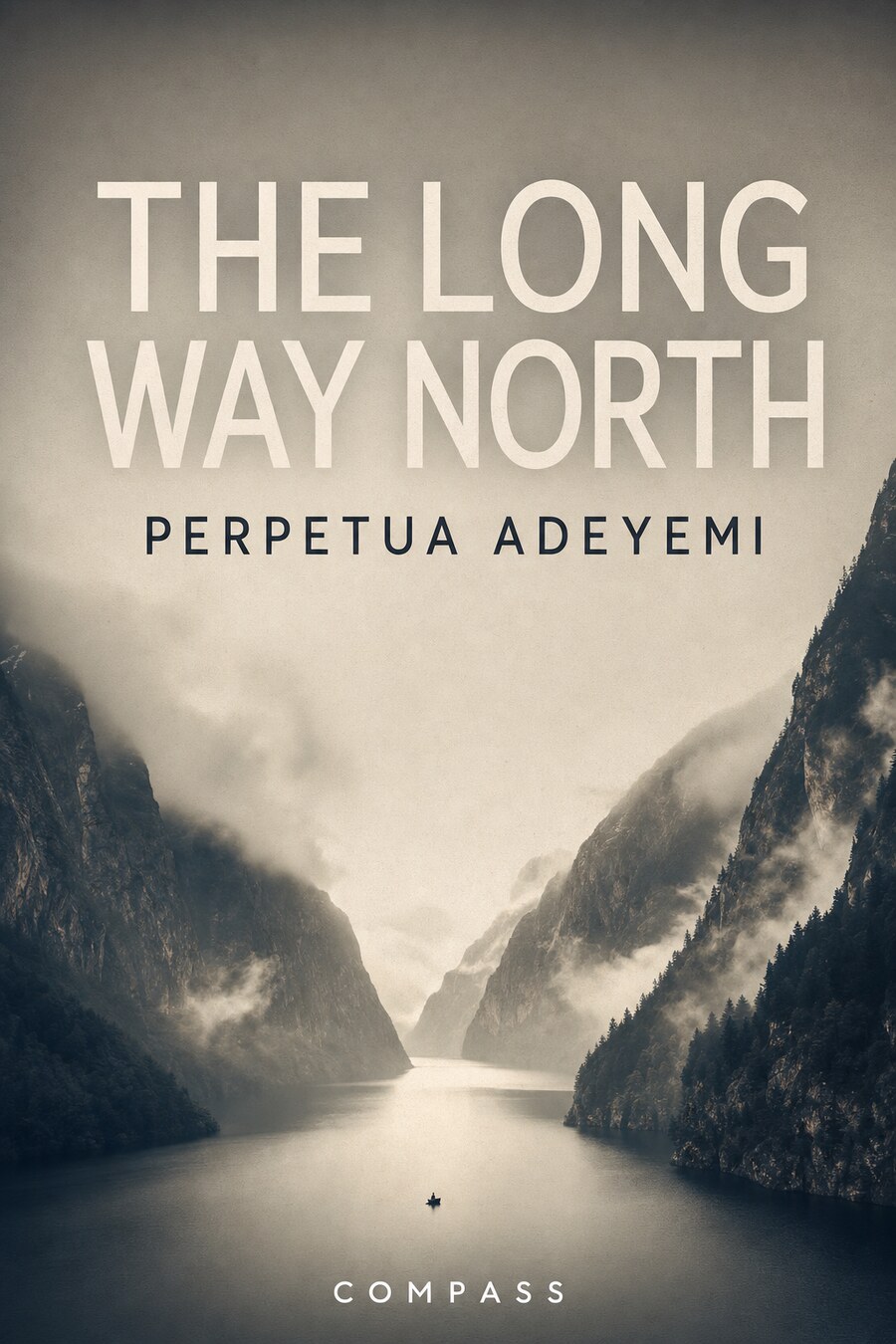
photographic

art-deco
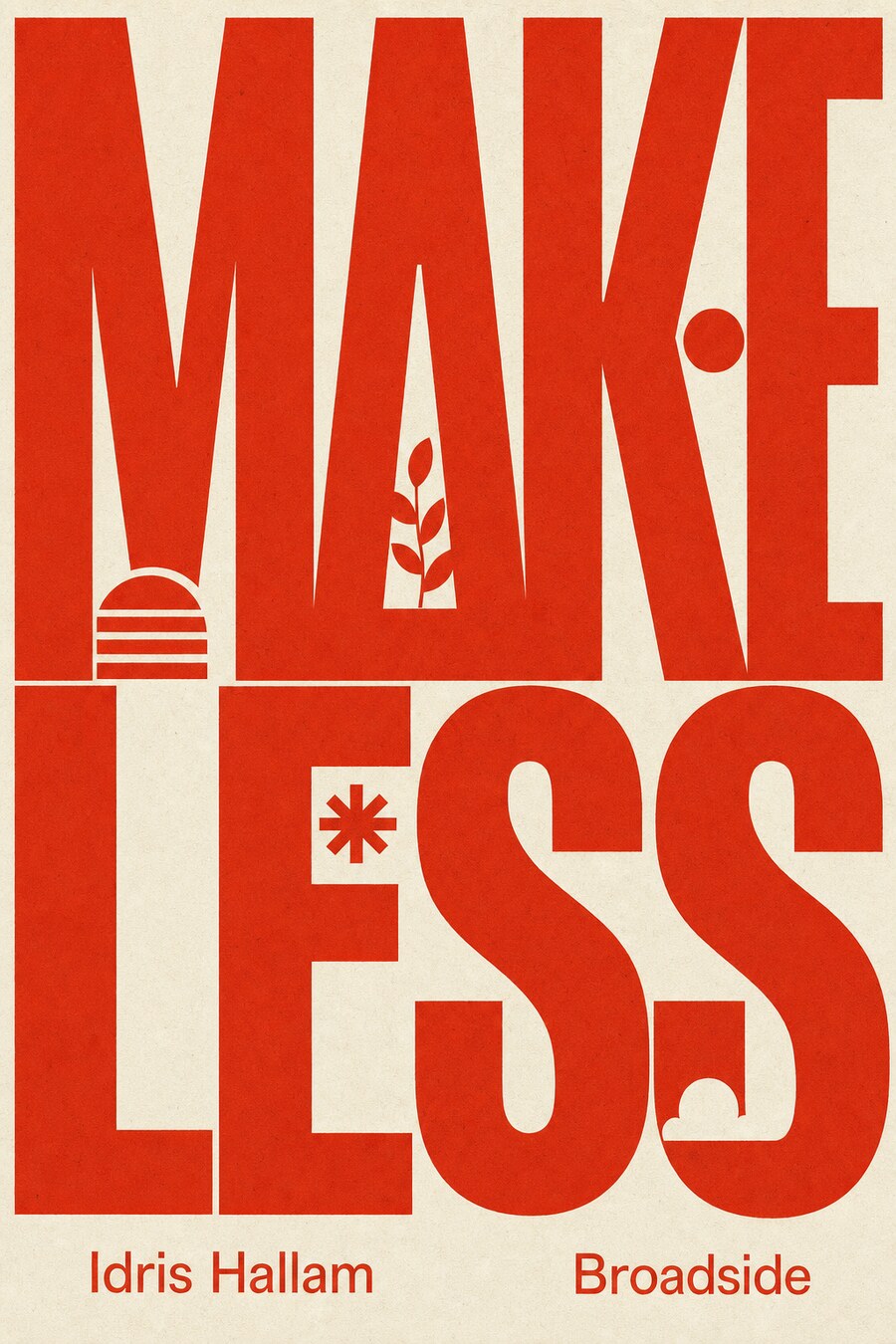
bold-typographic
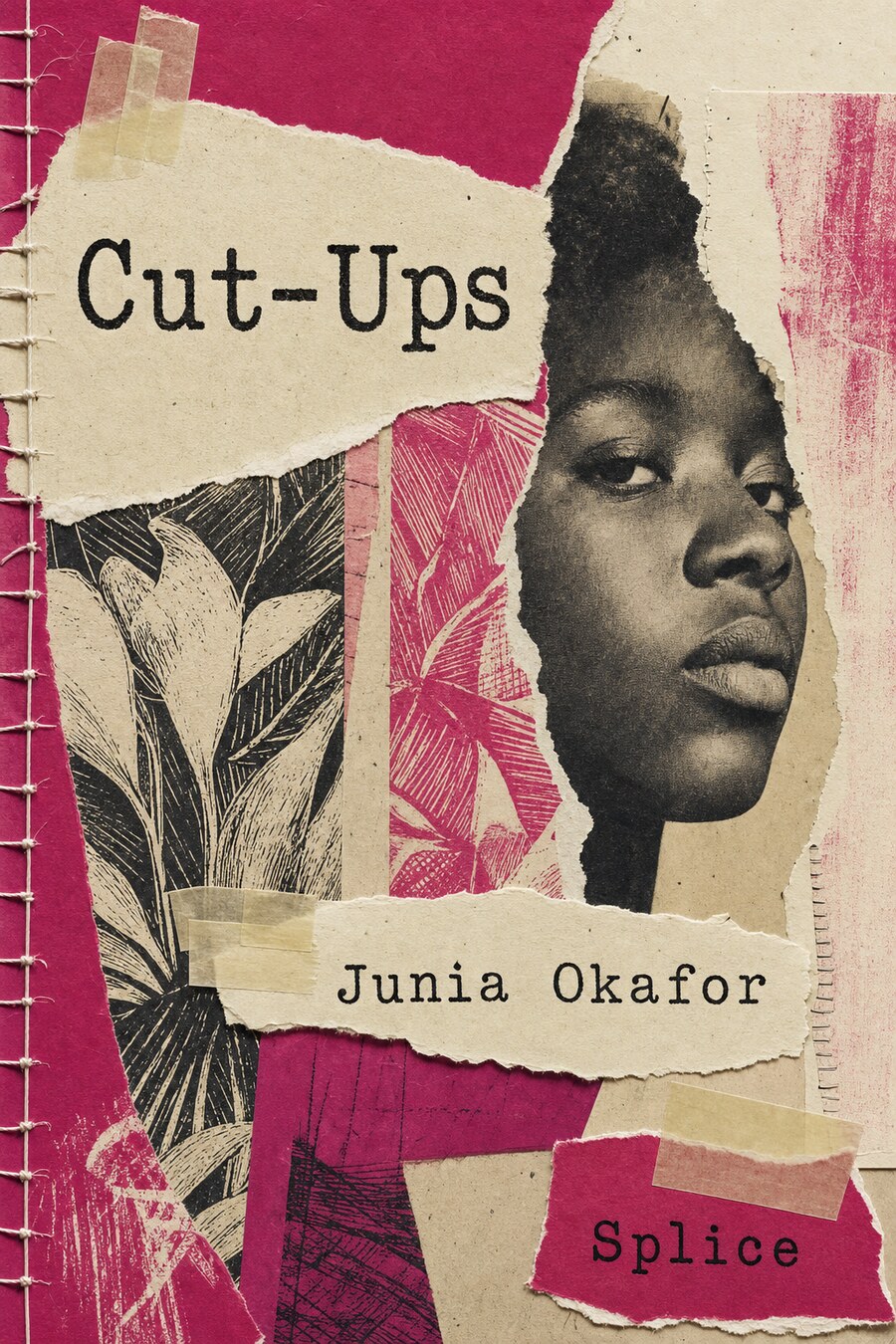
collage-mixed-media
Choosing a style
Name a style and a subject in config/aesthetic.yaml:
cover:
  style: penguin-tri-band
  subject: "a rocky intertidal shore at low tide, tide pools, kelp, a shorebird"
Then commission the art:
press cover                 # uses the style and subject above
press cover --style art-deco    # override for a one-off
press cover --list              # every style, with a one-line note
press cover writes the art to build/cover/
and prints the one command that installs it —
press art accept build/cover/cover.png --as cover — the
same intake every commissioned cover passes through, which enforces the
cover geometry and writes assets/cover.jpg. With no
image-model key set, press cover prints the ready-to-run
prompt instead, so the same styles drive a manual or agent-run
commission and the press stays offline by default.
Making a good one
A few things carry most of the result:
- Write the subject like a woodcut caption, not a plot. Name concrete things and a scene: “a rocky intertidal shore at low tide, tide pools, barnacles and mussels, kelp, one shorebird” works; “a book about the sea” does not. Three to eight nouns and a place is the sweet spot.
- Let the palette do the colour. Every style prints
in your book’s
accenton itspaper(fromconfig/aesthetic.yaml), so the cover and the book share one identity. A deep, saturated accent reads best; a very pale one gives the model little to work with. - Match the style to the book, not the fashion. A field guide wants the Penguin grid or a woodcut; a book of essays wants minimalist or Swiss; a thriller wants pulp or photographic; a gift edition wants the clothbound pattern. The catalogue above shows the same book in each, so you can judge the fit before you spend a generation.
- The title is lettered by the model, and checked by
you.
bakedstyles put your exact title and author on the cover;press coverprints the copy it asked for, so glance at the result and re-run if a letter drifts. Keep titles short for the boldest styles. - It is cheap to iterate. Each
press coveris one image; run it a few times, or across two or three styles, and keep the one that sings. The art is a one-time commission, committed asassets/cover.jpg, so the choice is permanent only once you accept it.
Building your own
The house set is a starting point, not a fence. Add
config/cover-styles.yaml to your book with the same shape,
and your styles merge over the built-ins:
styles:
  my-house-style:
    name: "My house style"
    era: "your imprint"
    note: "what it looks like, in a line"
    text: baked            # the model letters the title; use `composited`
                           # to leave the art clear and have the press set type
    prompt: |
      A book cover, portrait, on {paper}. ...describe the layout, imagery, and
      typography... The title "{title}" and author "{author}" set ...
Your template may use {title}, {author},
{imprint}, {initials}, {subject},
{accent}, and {paper}, each filled from your
book’s config. Then press cover --style my-house-style.
Nothing about the house library is privileged; your book’s styles are
first-class.